In my previous article I explained why I chose macroservices: few services, large ones, each owning a business subject, with a physical boundary between them. I said there are seven today: authentication, user profiles, administration, financial operations, a processing engine, the product's main API and the public site's API. What I didn't mention there is that this decision had a side effect on the front-end.
Each business area got its own Angular application, except the processing engine, which has no screen. That's six applications: the main product, the financial area, the administrative panel, the profile area, the login and the public site. Each with its own address, its own deploy, running independently, exactly the way I wanted the backend to run.
The problem showed up when actually using the product. Every time the user left one area and entered another, the browser treated it as switching websites: it reloaded the whole page. The icon disappeared, the screen went blank for a moment, and even choices the user had just made, like the language or the visual theme, went back to default, because that only existed in that one page's memory. It felt like several websites, not one product.
This article is about how I joined those six applications into a single experience, without giving up any of the advantages they had behind the scenes. In the simplest way I can write, as always. If you've never programmed, the idea is that you'll understand it anyway.
First: what does "joining front-ends" mean?
The same question from the previous article comes back here, just applied to the screen instead of the server: how many parts, and how do they talk to each other. The "how many parts" was already settled, it was the six applications, and I didn't want to touch that, because those were exactly the boundaries I had drawn on purpose. The whole problem was in how the user walks from one to the other.
To explain it, picture a bookstore with several sections: literature, technology, kids' books. Each section might even be run by a different team, with its own stock and its own restocking. But for the customer walking around the store, that division doesn't exist: they leave one aisle and enter the next without noticing any boundary at all. Now imagine if, to go from the technology section to the kids' section, the customer had to leave the store and walk back in through another door. They still visited both sections, but the feeling of a single store is gone. That's exactly what was happening with my applications.
So I had these options:
Option 1: one front-end, everything together
The first was to throw the six applications away and rewrite everything as a single thing, one codebase, one deploy. It would solve the navigation right away, because there would only be one screen moving inside itself. But it would go against the whole reason I chose macroservices: if the team taking care of the financial area needs to wait for a deploy of the entire product to ship a fix, the isolation I went after in the previous article disappears. And code from six different business areas sharing the same project tends to create the exact same mess I had already avoided in the backend.
Option 2: leave it as it was
The second was to not touch anything. Full isolation, each team deploying whenever it wants, without asking anyone's permission, mirroring the macroservices perfectly. But only behind the scenes. On the front, for the user, every switch between areas kept being a trip back to square one, reloading everything, losing whatever only lived in that page's memory. From the builder's point of view, it was great. From the user's point of view, it felt careless.
Other names that show up around this subject
Before getting to what I chose, three quick mentions, just so you don't get lost if these names cross your path:
- iframes are the oldest way of putting one page inside another. They work, but they isolate too much: the two sides can barely talk to each other, and even something as simple as adjusting the screen size becomes complicated.
- Web Components are a browser-native standard for packaging a piece of interface in a way any framework can consume. Great when the piece is small and self-contained. More work when the "piece" is an entire application, like in my case.
- Server-side composition means assembling the final page by joining pieces coming from different servers before sending it to the browser. It works well, but it requires a server of its own just to do that assembly, and I wanted something that lived entirely in the browser.
The path I chose: micro-frontends
Here comes the middle ground I wanted. The six applications keep existing the way they were, with independent deploys, with full isolation. But when actually used, they behave like sections of a single store. Back to the bookstore: the sections keep being run by different teams, except now there's a common hallway connecting all of them.
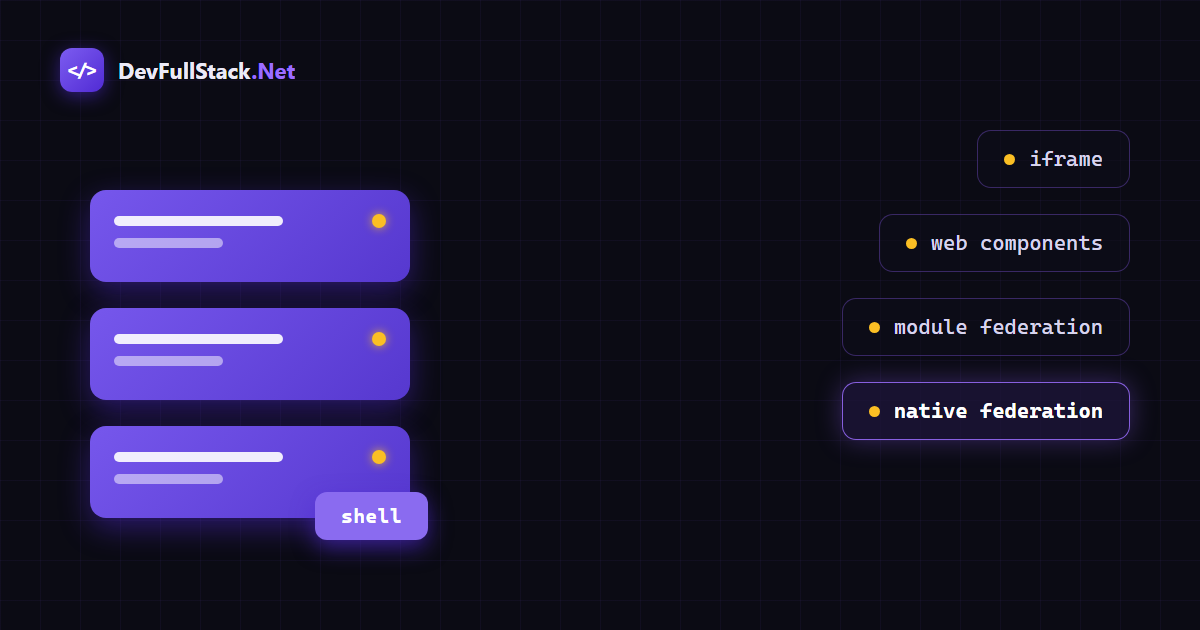
That hallway, in my case, is a new application, the seventh, but quite different from the other six: it doesn't own any business subject, its only job is to open the right door at the right time. I call it the shell (that's the actual term used in practice). It's the shell that the user opens first, it's the shell that keeps the session, the chosen theme, the chosen language. When the user clicks to go from the main area to the financial area, it's the shell that fetches that area's screen and plants it inside itself, live, without reloading anything.
Under the hood: how this actually works
The technical piece behind this is called Module Federation: a way for one JavaScript application to load, in real time, pieces of another application that was built and published completely separately. It's similar to a plugin system, except each plugin is an entire screen from another application.
There's one detail, though. The classic version of Module Federation was designed for a specific bundling tool, Webpack. And Angular swapped its default bundler for a faster one, esbuild, the same one I mentioned in the article about Angular 22. The two don't speak the same language directly. The answer to that is a redesign called Native Federation, built by the same author of the original project, which achieves the same result using a feature that already ships with the browser, import maps: a map that tells the browser "when someone asks for this module name, fetch the file here".
With that, each of the six applications keeps compiling exactly like it always did. The difference is that it now also publishes a manifest file, saying which of its screens it's willing to lend out. The shell reads that manifest from each application and knows, the moment the user asks for it, where to fetch each piece.
A simple example
To make this more concrete, a minimal example of what this looks like in code. It's not the real project's code, just a demonstration of the idea, much smaller and simpler.
Every application that's going to lend out a screen gets a configuration file saying what it's willing to share:
// federation.config.js, inside the application lending the screen
const { withNativeFederation, shareAll } = require('@angular-architects/native-federation/config');

module.exports = withNativeFederation({
  name: 'catalog',
  exposes: {
    './routes': './src/app/app.routes.ts',
  },
  shared: {
    ...shareAll({ singleton: true, strictVersion: true, requiredVersion: 'auto' }),
  },
});
On the other side, the orchestrating application, the shell, knows where to find each borrowed application through a manifest:
// federation.manifest.json, inside the shell
{
  "catalog": "https://catalog.mysite.com/remoteEntry.json"
}
And when building its own routes, the shell only fetches the borrowed screen when the user actually goes there:
// app.routes.ts, inside the shell
import { Route } from '@angular/router';
import { loadRemoteModule } from '@angular-architects/native-federation';

export const routes: Route[] = [
  {
    path: 'catalog',
    loadChildren: () =>
      loadRemoteModule('catalog', './routes').then((module) => module.routes),
  },
];
That's basically it. The catalog application doesn't even know it's being borrowed, it just exposes a piece of itself to the world. And the shell doesn't need to know the catalog at build time either, it discovers everything at runtime, through the manifest.
The scope decisions
I didn't migrate all six applications at once. I started small: I put only the main application and the financial area inside the shell first, to confirm the idea worked in practice before spreading it to the others. It worked well, so the profile area joined too.
I left the login out on purpose: entering the product is naturally already a different moment, before any session even exists to keep. The public site stayed out too, because it isn't part of the experience of someone who's already logged in.
And I left the administrative panel out for a security reason, not a technical one. If I put it inside the same shell that any regular user loads, the code for those screens would end up in everyone's browser, even if protected by permission checks, just waiting for a curious person to open the developer tools and poke around. I'd rather keep that building genuinely separate, with its own door, and only walk the user there when they actually have permission to enter.
What I had to adjust along the way
Migrating an architecture always brings adjustments, things that only show up once you actually try it. I'm recording the main ones here, because if you're migrating something similar, you'll likely run into a few of these too.
A shared configuration missing an explicit reference. A TypeScript configuration file, used by all six applications, had a path mapping but didn't say where those paths started from. The old tool didn't care, the new one required it. Completing that configuration, something that should have been explicit from the start, was enough.
A translation file asking for a different way of importing. One of the language files from the internationalization library, the same one I mentioned in the Angular 22 article, wouldn't load through the most common import path, through the new tool's sharing mechanism. It's a known quirk of that tool with this specific kind of file. The fix was to import that file pointing straight to its location instead of by package name, an equally valid way of doing the same import, just resolved differently. That swap was enough.
Borrowed screens arriving without their visual style. This was the hardest one to notice, because no error showed up at all, the screen just came without the expected look. The explanation: the tool that assembles the shell's final stylesheet only looks at the shell's own files to decide which styles to include. It never "saw" the other applications' code, so it didn't know it needed to include the styles they use. It's like putting together a catalog by photographing only half the store's shelves: whatever wasn't photographed doesn't make it into the catalog. The fix was pointing the shell's style configuration at each borrowed application's files too. Every new application I lend to the shell now goes on that list.
Menu links still thinking in separate addresses. The navigation menu always knew how to go from one area to another through a full address, because each area really used to be a different website. Once several areas started living inside the shell, those same links kept switching websites the old way, even when the destination was already right there inside. The fix was teaching the menu to ask, at the moment it builds itself, whether it's running inside a shell and, if so, at what address that area was mounted. When the answer exists, it navigates directly, without leaving the page. When it doesn't, it switches websites the usual way, which is still correct for the administrative panel, for example.
The "back to home" link pointing to the wrong place. This one was more subtle. Each application always knew that, when showing its own screen, the "back" link could be short, because it owned the address from the root. That stopped being true: inside the shell, several areas share the same address root, and that same shortcut started pointing to the wrong area, sometimes to nowhere at all, landing on a not-found page. The same fix from the previous item solved this one too: the link needed to know at which address its own area had been mounted, not just the others.
A setup question showing up again. There's a first-time setup check that a screen keeps in the browser's local memory, a kind of memory that doesn't cross from one address to another. While the main application lived alone at its own address, that memory was always there when needed. Once that application started being accessed through the shell's address, the memory that mattered was the shell's, which had never seen that check before, and the question came back. It was the same family of problem I had already solved for the login and for the visual theme in the previous article: memory that lived in a single page needs to become shared memory once several pages become one experience.
The result
Today, entering the shell once and navigating between the main application, the financial area and the profile area feels like a single application. No blank screen in the middle, no re-downloading everything, no losing the chosen theme or language. The administrative panel remains, on purpose, a separate door, and coming back from it now returns the user to the shell, not to the disjointed experience from before.
A roadmap for anyone who wants to migrate
If you're in a similar situation, several independent applications that should feel like one to the user, here's the path, summarized:
- Check whether your build tool's version accepts the federation tool's version. They evolve together, tied to the framework's version.
- Create a new application, deliberately small, whose only job is to orchestrate: top-level navigation and whatever needs to be shared, like session, theme and language.
- In every application that's going to lend a screen, expose a manifest saying what it's willing to share.
- In the orchestrating application, point at those manifests and mount each borrowed application at its own address inside your navigation.
- Review every menu link, including the ones for the current area itself: they need to tell "I'm inside a shared address" apart from "I own the address from the root".
- Make sure your styling tool is configured to look at every borrowed application's files, not just the orchestrator's.
- Move any check that today lives only in one page's memory, like first-time setup, theme or language, to a mechanism that reaches across every address involved.
- Decide clearly what won't be included, and confirm that the links coming back from those areas point at your orchestrating application.
- Test the full round trip between areas before calling it done. That round trip is where this kind of adjustment usually shows up.
Conclusion
Recapping:
- A single front-end would solve the navigation, but it would give up the isolation the macroservices were built to provide
- Keeping the six applications as they were preserves the isolation, but costs a navigation that feels like several different websites
- Micro-frontends keep the applications separate behind the scenes and joined on the front, through a new orchestrating application
- The right tool for this today is Native Federation, the version of Module Federation designed for the bundler Angular uses now
- Not everything needs to be included: leaving the administrative panel out was a security decision, not a technical limitation
In the end, the same question from the previous article comes back, just applied to the screen: the question isn't which is the best way to organize the front-end, it's what this product needs to feel like for whoever uses it. For me, the answer was: behind the scenes, six separate boundaries, the way the business asks for. On the front, a single thing.